
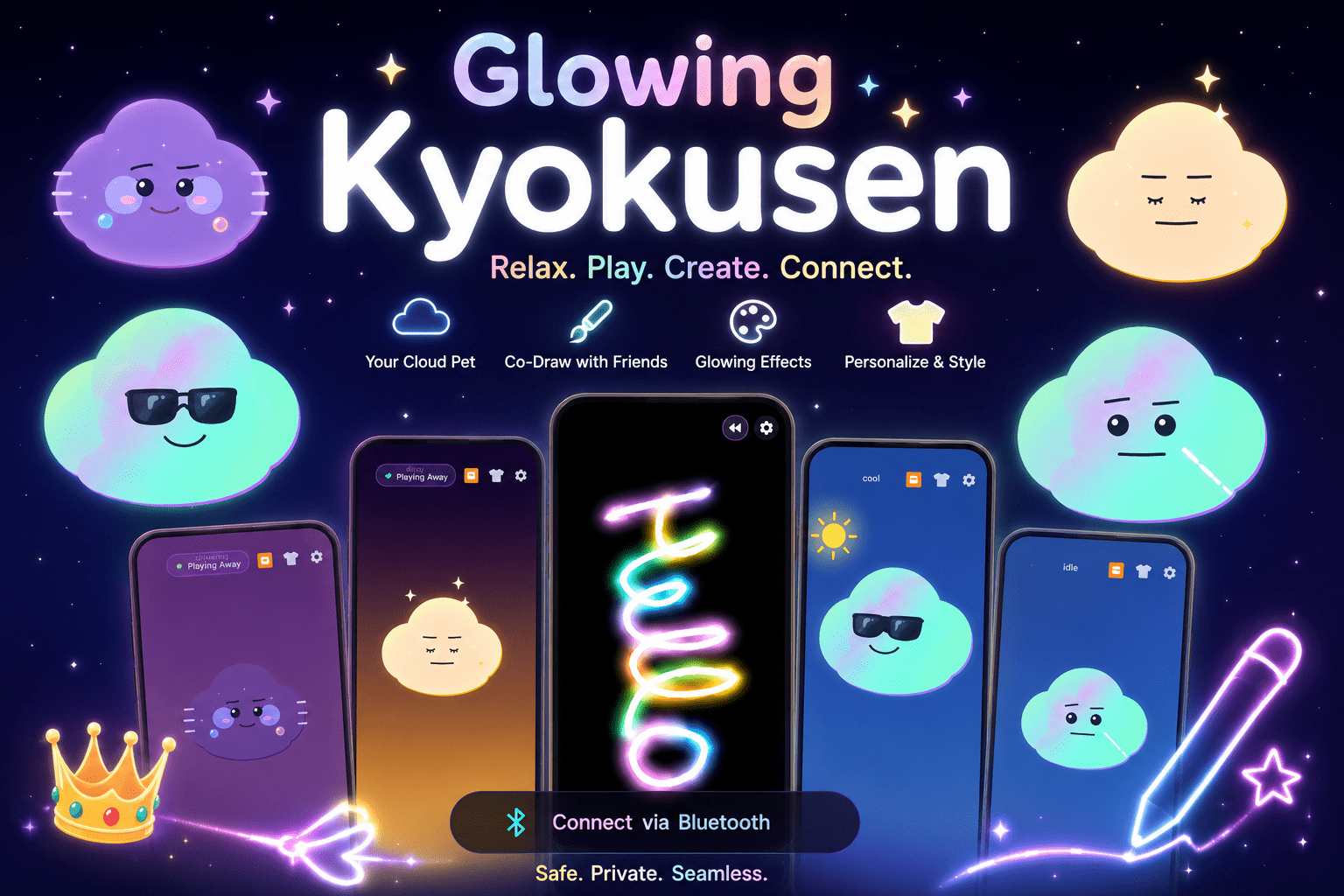
I build Android apps with zero cost and 3 free AI tool . There’s no designer, no QA person, and no one to review a pull request except me. Glowing Kyokusen (listed on the Play Store as Glow Draw, Cloud Pet), as the running example, because every part of this workflow shipped a real feature in that app. What I do have is a system and internet: three AI tools, each doing one specific job, that together let me ship real apps on the Play Store without a team behind me.
If you’re building Android apps solo, or thinking about starting, you can copy this structure directly.
Why I don’t use just one AI tool for everything
Every few weeks someone claims a single AI tool can take you from idea to published app. In my experience that’s true for a demo and false for anything you actually want to maintain. The tools that are best at holding a full codebase in their head and reasoning about it are not the same tools that reliably write correct, idiomatic Kotlin. And neither of those is any good at writing a Play Store description that doesn’t sound like it was written by a robot (ironic, given the subject).
So instead of forcing one tool to do everything, I split the work by what each one is actually good at, and I stopped fighting it.
Claude — planning the feature and catching what I missed
Before I write a single line of code, I talk the feature through with Claude. Not “build me X” — more like describing what I want, why, and where I think it could go wrong, and letting it push back. This is also where I hold the line on what kind of app I’m building: no streaks, no penalty mechanics, no neglect-and-death systems, nothing that punishes someone for closing the app. Claude is good at remembering that constraint across a long planning conversation and flagging when a feature idea quietly violates it.
The bigger value, though, is bug hunting after the code exists. A few real examples from Glowing Kyokusen:
- A live wallpaper renderer that was supposed to give each new skin its own color palette was silently falling back to a generic one — several newer wallpapers looked identical instead of distinct, and nothing in the logs pointed at why. Claude traced it to a mapping function that wasn’t being reached for the new cases.
- The Cloud Pet screen had two separate gesture handlers listening for the same touch events, which caused random glitches that looked like input lag but weren’t.
- A swipe threshold was inverted, so a single deliberate swipe was registering as multiple accidental ones mid-drag.
- Six pet expressions had complete, finished artwork sitting in the codebase — fully drawn, fully coded — but nothing anywhere actually triggered them. They just never fired.
None of these are bugs you catch by staring at the screen. They’re the kind you catch by having something read the code with fresh eyes and actually trace the logic path, which is where this tool earns its spot in the pipeline.
Google AI Studio + Antigravity — where the Kotlin actually gets written
Planning and auditing don’t produce an app. For actually writing the Kotlin, I use Google AI Studio and Antigravity. This is a personal preference built on testing a few options: it consistently produces working native Android code, understands Jetpack Compose conventions without me having to explain them every time, and doesn’t need to be coaxed into targeting Android properly the way some general-purpose coding tools do.
I feed it a feature spec that’s already been through the planning stage with Claude — not a vague idea, but something with the edge cases already thought through. It’s noticeably better at producing usable code when the ambiguity has already been removed upstream. Feed it a half-formed idea and you get a half-formed implementation.
Everything the Cloud Pet companion does — the procedural vector rendering, the weather-reactive animations, the wardrobe system, the live wallpaper engine — started as generated Kotlin from this stage, then got refined over several passes.
ChatGPT — turning features into words people actually read
Once a feature works, somebody has to explain it to a stranger scrolling the Play Store in four seconds. That’s where ChatGPT comes in — writing and refining the listing description, the short promo text, and the plain-language explanation of what the app actually does, in both English and Hinglish.
It’s also useful for a less obvious job: Play Store policy is written in the careful, hedged language of a legal document, and misreading it can get a listing rejected or suspended. I use ChatGPT to translate specific policy sections into plain language before I make a naming or feature decision, so I’m not guessing at what a clause actually restricts.
The full pipeline, start to finish
- Describe the feature idea to Claude. Argue with it until the edge cases and constraints are clear.
- Take that spec into AI Studio / Antigravity and generate the actual Kotlin / Compose implementation.
- Bring the generated code back to Claude for a bug pass — this is where most of the real issues surface.
- Fix, rebuild, retest on a real device (AI doesn’t do this part for you).
- Once the feature is stable, use ChatGPT to write or update the store copy and any policy-sensitive language.
It’s not a straight line. Steps 2 and 3 usually loop two or three times before a feature is actually done.
Case study: building Cloud Pet inside Glowing Kyokusen
Glowing Kyokusen (Glow Draw, Cloud Pet) is a calm, relaxation-focused app — a glow drawing canvas, a Ripple Pad, a Relax bulb screen, a Ghost Catcher, and a Cloud Pet companion that reacts to weather and time of day. The whole design philosophy is “come, interact, enjoy, relax, and go” — nothing that guilt-trips you into opening the app.
The Cloud Pet feature is the clearest end-to-end example of this pipeline. The idea and its constraints — no death states, no decay mechanic, a pet that feels alive without demanding attention — were worked out with Claude first. AI Studio and Antigravity then generated the actual pet rendering: procedural shapes drawn with Path, Brush, and basic trigonometry instead of static sprites, so the pet’s motion feels organic rather than looped.
Then came the bug pass. That’s where the gesture-conflict issue, the inverted swipe threshold, and the six unused expressions turned up — all real, all in shipped code before Claude caught them. Fixing them wasn’t glamorous, but it’s the difference between a feature that looks finished in a screenshot and one that actually feels right in your hand.
Once it was stable, ChatGPT helped shape the Play Store listing itself — description copy that explains a “cloud pet companion” to someone who’s never heard the phrase, in language simple enough to read in the time it takes to scroll past.
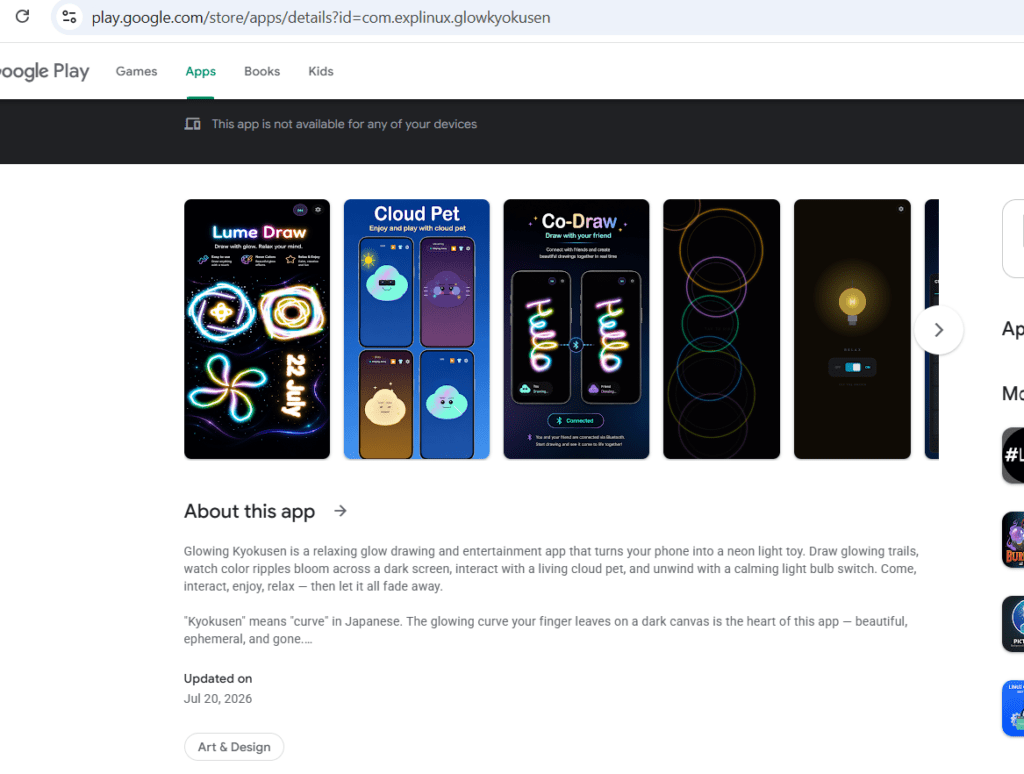
Glowing Kyokusen is live on the Play Store here: https://play.google.com/store/apps/details?id=com.explinux.glowkyokusen
What this workflow doesn’t do for you
I’d rather say this outright than let the article oversell it. None of these tools test on a real device. None of them understand your app’s market the way you do after actually watching how people use it. All of them can be confidently wrong, especially on newer Android APIs or edge-case behavior, and the only fix is knowing enough to notice when something’s off. This workflow makes one person capable of doing what used to take a small team — it doesn’t make the person optional.
If you want to try this yourself
Start smaller than you think. Pick one feature, run it through the full pipeline once, and pay attention to where it breaks down for you specifically — your bottleneck might not be mine. The value isn’t in copying my exact tools; it’s in giving each stage of the work to whatever’s actually good at that stage, instead of asking one tool to be good at everything.
I build small, calm Android apps under Explinux, working out from a small city in India. My current app, Glowing Kyokusen, is live on the Play Store now.
Let me know if you want full step by step guide I will be happy to share.
This is an sponsored post


Leave a Reply